

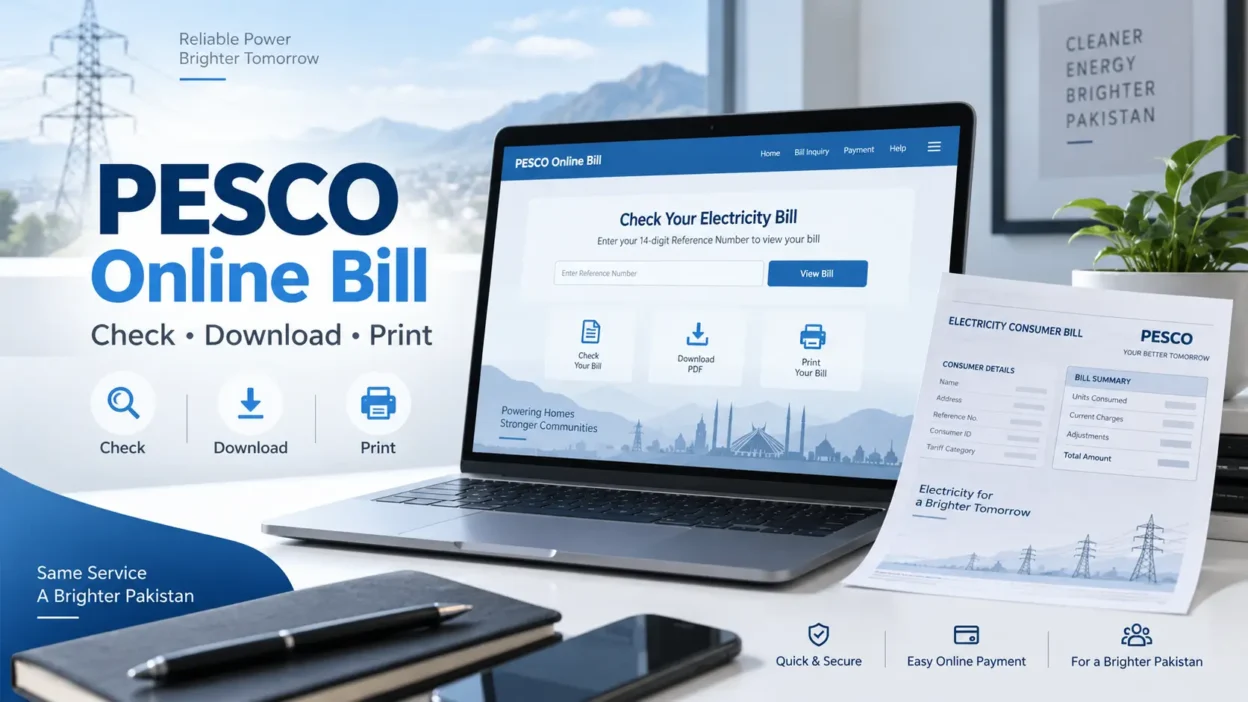
Checking your PESCO online bill is a simple way to view your latest electricity charges without waiting for a printed bill to arrive. Peshawar Electric Supply Company consumers can use the online billing system to check their current bill, confirm the due date, view the payable amount, and get a duplicate copy when needed.
To check a bill, you normally need the 14-digit reference number or 10-digit Customer ID printed on your previous electricity bill. After entering the required information, you can view your latest PESCO electricity bill and print or save a copy for your records.
PESCO, or Peshawar Electric Supply Company, distributes electricity to millions of consumers across its service areas in Khyber Pakhtunkhwa. The company also provides online customer services, including access to duplicate electricity bills.
How to Check PESCO Online Bill
You can complete a PESCO online bill check in just a few steps. Keep an old electricity bill with you because it contains the information required to access your current bill.
Follow these steps:
- Visit the official PESCO website.
- Open the Duplicate Bill option under Customer Services.
- Enter your 14-digit reference number or 10-digit Customer ID.
- Submit the information.
- Your latest electricity bill will appear on the screen.
- Review the amount, billing month, and due date.
- Print the bill or save it digitally if required.
PESCO’s official website currently includes Duplicate Bill access as part of its online customer services.
PESCO Online Bill Check by 14-Digit Reference Number
The reference number is one of the easiest ways to find your PESCO online bill. It is a unique number linked to your electricity connection.
You can find the 14-digit reference number on a previous PESCO electricity bill. When entering it online, make sure every digit is correct. A single incorrect number may prevent the system from finding your bill.
Once the information is submitted correctly, the system can display the available billing information for your electricity connection.
Click Here to Check Bill Online
Where Can You Find the Reference Number?
Take an old copy of your PESCO bill and look near the account identification information. The reference number consists of 14 digits.
Before submitting it:
- Enter all 14 digits carefully.
- Avoid adding unnecessary spaces.
- Check the number against your previous bill.
- Make sure you are using the reference number for the correct electricity connection.
Using the correct reference number helps you access the bill quickly.
Check PESCO Bill U
sing Customer ID
If you do not want to use the reference number, the billing system also supports the 10-digit Customer ID identified on the electricity bill. The source billing guide currently identifies both the 14-digit reference number and 10-digit Customer ID as bill lookup options.
This can be useful if:
- Your reference number is difficult to read.
- You have saved your Customer ID separately.
- You want another way to identify your connection.
Enter the Customer ID carefully and submit it to view the available bill information.
How to Download a PESCO Duplicate Bill
A duplicate bill can be useful when your original paper bill is lost, damaged, or has not arrived.
You can get a PESCO duplicate bill online by accessing the Duplicate Bill service and entering your connection information.
Once your bill appears:
- Review the billing details.
- Select the print option available in your browser or bill page.
- Choose Save as PDF if you want a digital copy.
- Choose your printer if you need a physical copy.
Saving your bill as a PDF also makes it easier to keep monthly electricity records.
Can You Check PESCO Bill by Name?
The online bill lookup is designed around unique account information rather than a customer’s name. The referenced billing page states that bill searches are performed using the 14-digit reference number or 10-digit Customer ID rather than a name.
Using unique account numbers reduces confusion because different consumers may have identical or similar names.
If you do not have your reference number, check an older electricity bill for your Customer ID.
Can You Check PESCO Bill by CNIC?
The standard online bill-checking method does not use CNIC as the primary search field. Consumers generally need their reference number or Customer ID to access the bill online.
If you have lost your previous bills and cannot find either number, contact PESCO customer support or the relevant customer service office for assistance.
Information Available on Your PESCO Electricity Bill
After completing a PESCO online bill check, review the information carefully before making payment.
A typical electricity bill may contain details such as:
- Billing month
- Due date
- Amount payable
- Consumer information
- Meter information
- Electricity consumption
- Current charges
- Previous billing information
- Reference number
- Customer ID
- Taxes and applicable charges
Checking these details regularly can help you understand your electricity usage and identify unexpected changes in your monthly charges.
How to Pay PESCO Bill Online
Consumers may be able to pay electricity bills through supported digital banking and mobile payment services.
A typical online payment process involves:
- Open your banking or mobile payment application.
- Go to the utility bill payment section.
- Choose electricity.
- Select PESCO when available.
- Enter your reference number or requested consumer information.
- Review the displayed bill details.
- Confirm the payment.
- Keep the payment confirmation or receipt.
The exact steps can differ depending on the bank or payment application you use, so always review the transaction details before confirming payment.
Why Check Your PESCO Bill Online?
Using the PESCO online bill service can be helpful when you need quick access to your electricity billing information.
Access Your Bill Anytime
You do not have to depend entirely on the delivery of a paper bill. If you have your account information and internet access, you can check the available bill online.
Get a Duplicate Copy
If the original bill has been misplaced, the Duplicate Bill service provides a convenient way to access another copy.
Check Your Due Date
Viewing your bill online allows you to verify the payment deadline before paying.
Save a Digital Copy
You can save bills as PDF files and organize them by month for future reference.
Review Billing Information
Checking the bill allows you to review electricity consumption and charges before making payment.
Areas Served by PESCO
Peshawar Electric Supply Company maintains electricity distribution services across a large part of Khyber Pakhtunkhwa. According to PESCO’s current official information, its operational jurisdiction is organized into circles including:
- Peshawar Circle
- Khyber Circle
- Mardan Circle
- Swat Circle
- Swabi Circle
- Bannu Circle
- D.I. Khan Circle
PESCO states that it provides electricity distribution services to more than 3.74 million consumers and maintains the distribution network used to supply homes and businesses across its jurisdiction.
What to Do If Your PESCO Online Bill Is Not Showing
Sometimes your bill may not appear immediately. Before contacting support, try a few basic checks.
First:
- Check the reference number again.
- Confirm that all 14 digits are correct.
- Try your Customer ID if available.
- Refresh the billing page.
- Try again after some time if the portal is temporarily unavailable.
- Make sure your internet connection is working.
If the problem continues, contact PESCO customer support.
PESCO Complaint and Customer Support
PESCO provides several channels for electricity-related complaints. According to its official Complaint Cell, consumers can:
- Call 118
- Send an SMS to 8118
- Register a complaint online
PESCO also provides regional customer service contacts for its different operational circles.
When reporting an issue, keep your reference number, Customer ID, meter information, and complaint details available.
Keep Your PESCO Bill Information Safe
Your reference number and Customer ID make future bill checks much easier. Consider keeping a digital copy of an old electricity bill on your phone or computer.
You can also record your account information somewhere secure so that you do not need to find a paper bill every month.
However, avoid publicly sharing complete billing or account information unnecessarily.
Conclusion
The PESCO online bill service gives consumers a convenient way to access their electricity billing information without relying only on a printed copy. With your 14-digit reference number or 10-digit Customer ID, you can check your current bill and obtain a duplicate copy when required.
Regularly checking your electricity bill can also help you stay aware of due dates, monthly consumption, and payable charges. For the safest experience, use PESCO’s official website and its Duplicate Bill service whenever you need to access your billing information.
FAQs
Visit the official PESCO website, open the Duplicate Bill service, and enter the requested reference number or Customer ID. Your available electricity bill information will then be displayed.
You can use the 14-digit reference number or 10-digit Customer ID shown on your electricity bill.
The normal online bill lookup does not use a consumer’s name. Use the reference number or Customer ID instead.
CNIC is not the standard search option for the online duplicate bill service. Your reference number or Customer ID should be used for online bill lookup.
After opening your bill online, use the print function and select Save as PDF to keep a digital copy on your device.
Yes. Once the bill is displayed, use the print option to create a physical copy.
Check your reference number or Customer ID for errors and try again. If the issue continues, contact PESCO customer support by calling 118, sending an SMS to 8118, or using its online complaint service.
PESCO stands for Peshawar Electric Supply Company. It operates an electricity distribution network serving consumers across its jurisdiction in Khyber Pakhtunkhwa.