

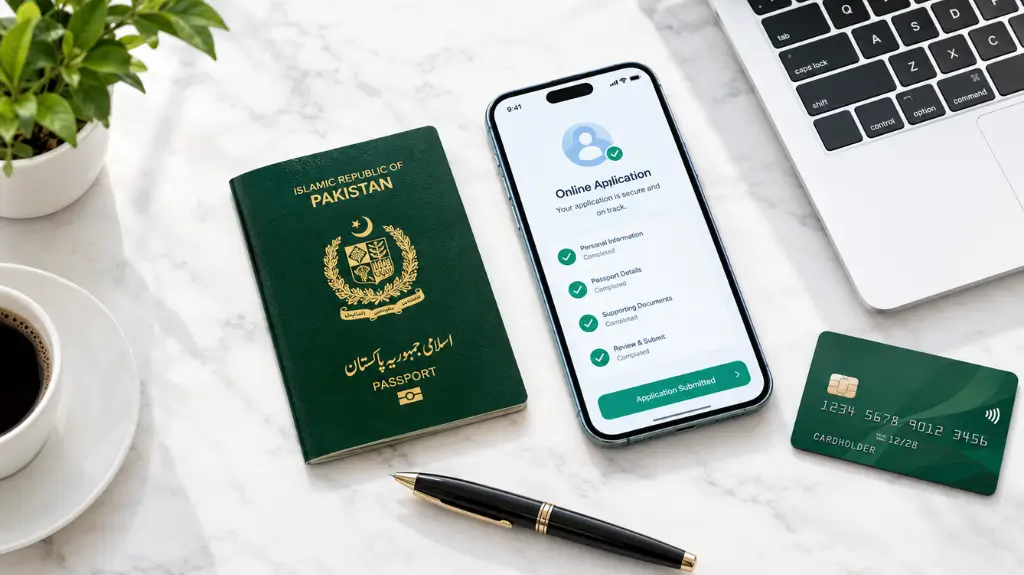
Are you planning a trip abroad soon? Does your current passport expire soon? Long queues, facing agent mafias in the passport office was a nightmare. Luckily the Directorate General of Immigration & Passports (DGIP) has made life a lot easier.
Whether you are living in Pakistan or an overseas Pakistani, you can get rid of the hassle and take care of your passport requirements straight from your computer or smartphone.
In this ultimate guide we will explain step by step how to apply and renew your Pakistani passport online.
The Golden Rule: Only Use the Official Portal
A quick warning, before we start. There are dozens of fake websites and apps available online which claim to process Pakistani passports. The Pakistan government doesn’t calibrate with third party apps.
Always ensure you are using the official website:
Can You Apply for a “Brand New” Passport Online?
First, let’s clear up a big point of confusion.
- For Inland Pakistanis (Living in Pakistan) You cannot apply for a brand new (first time) passport online. You need to apply for your first passport at your nearest Regional Passport Office (RPO). This is because they need to capture your first biometric data and digital photo in person.
- For Overseas Pakistanis & Online Renewals: If you are renewing your expired/expiring passport or you are an overseas Pakistani applying for a minor modification or a passport for a newborn baby, you can apply online.
How to Renew Your Pakistani Passport Online (Step-by-Step)
You are eligible for an online renewal if your current passport has expired or has less than 7 months validity. Here’s how to do that:
Step 1: Prepare Your Documents
Before opening the website, make sure you have the following ready on your device:
- Your current passport (scanned copies of the first two pages).
- Valid CNIC / NICOP / Smart Card (scanned copies of both front and back).
- A digital photograph (Passport size, white background, size up to 5MB).
- Fingerprint Form: You will need to download this from the portal during the process, stamp your fingerprints, scan it, and re-upload it.
- A Valid Credit or Debit Card (Visa or MasterCard only) for online fee payment.
Step 2: Register Your Account
- Head over to the DGIP Online MRP Website.
- Click on Get Started and then Register.
- Fill in your basic details (Name, Email, and Phone Number).
- If you live in Pakistan, you will receive a verification code via both Email and SMS. For overseas Pakistanis, the code is sent via email only.
- Verify the codes and log into your dashboard.
Step 3: Start Your Application
- Once logged in, choose the appropriate category (e.g., Passport Renewal).
- Enter your current passport number and CNIC details to fetch your records.
- Provide your Delivery Address carefully. This is where your printed passport will be shipped!
Step 4: Give the Passport Fee Online
- The system will calculate your fees according to your selections (36-page vs 72-page, 5-year vs 10-year validity, Normal vs Urgent need of passport).
- Enter card details to make the payment. NOTE: This portal has a strict no-refund policy so ensure all details are correct before you hit submit.
Step 5: Upload Photos, Documents, and Fingerprints
- Upload your digital photograph and CNIC/Passport scans.
- The Fingerprint Process: Download the system-generated fingerprint form. Carefully place your 4 fingerprints using a black ink pad in the designated boxes.
- Scan the completed form using a scanner set to 600 DPI, JPEG format, and Grayscale. Upload it back to the portal.
Step 6: Final Review & Submission
Review and check again your address, spellings, and uploaded documents. Once you submit, your application is sent to the DGIP Headquarters for verification. You will receive real time tracking information via your registered email OR gmail address.
Pro Tips for a Smooth Online Application
- Scanner Settings matter: Common rejections happen because the fingerprint form is blurry (Not clear). Set your scanner strictly to 600 DPI and Grayscale mode.
- Photo Quality: Do not take a selfie against a wall. Go to a local studio, get a perfect white background passport photo, and ask them to copy the digital file to your phone.
- Card Activation: Before paying, make sure your bank card has Online/E-commerce transactions activated. You can quickly turn this on via your mobile bank application or helpline.
Conclusion
This process faced by our AddonPK’s team members then we share with you our personal experience, going digital saves you hours of travel time and waiting in lines. By following this guide, you can successfully submit your application in under 30 minutes.
Good luck with your application, and safe travels!