

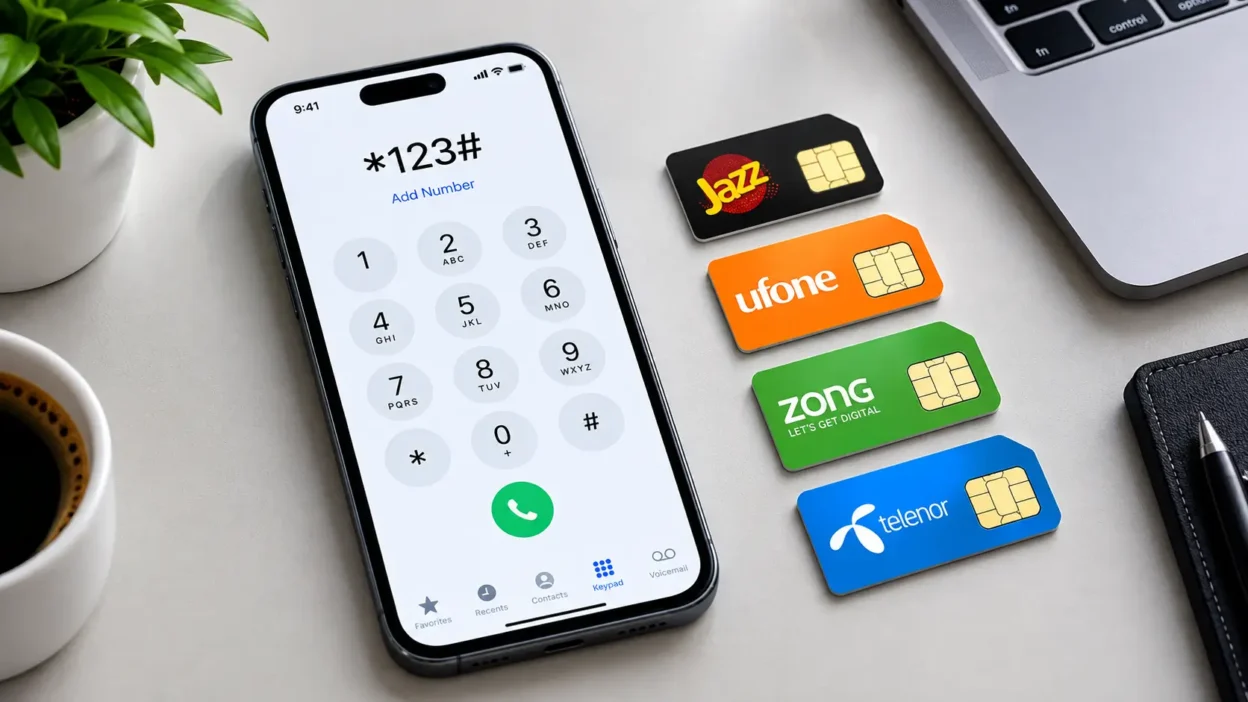
You’d be surprised how often people forget their own mobile number. You don’t have to call anyone else just to figure out if you just bought a brand-new SIM card, found an old SIM lying around, or need your number to make a quick, easy load.
All the major telecom operators in Pakistan have a method to check your number instantly and with zero balance. In this guide, we will tell, how to check your mobile number on Zong, Telenor, Jazz and Ufone with free USSD dial codes and other ways.
How to Check Your Jazz Number
If you are using a Jazz (formerly Mobilink or Warid) SIM card, checking your number takes less than five seconds.
Method 1: The Quick USSD Code (Fastest)
- Open your phone’s dial pad.
- Dial *99# and press the call button.
- Your mobile number will instantly pop up on your screen. This service is completely free and requires zero balance.
Method 2: Use the Simosa App
If you have a smartphone and an active internet connection, you can download the Simosa App (formerly My Jazz App) from the Play Store or App Store. Your phone number is prominently displayed right at the top of the home screen dashboard once you open the app.
How to Check Your Telenor Number
Telenor users have a couple of straightforward options to retrieve their active mobile number without needing any credit.
Method 1: Check via SMS Code (Recommended)
- Open your mobile dialer.
- Dial *345*4007# and a hit call.
- Telenor will send you a text message within a few seconds containing your complete mobile number.
Method 2: Send a Text to 7421
Alternatively, you can open your messaging app, leave the text body completely blank (or type anything), and send an SMS to 7421. You will receive an immediate automated text reply showing your SIM card number.
How to Check Your Zong Number
Zong 4G offers multiple free USSD shortcodes that work on any mobile device—from old-school feature phones to the latest smartphones.
Method 1: Dial the USSD Code
- Open the keypad on your mobile.
- Dial *8# or *100# and enter from your Zong SIM.
- A bubble text will display your active Zong number right on your screen.
Method 2: Check via the My Zong App
When you sign into the My Zong App on your smartphone, your phone number, available data resources and current balance will be shown on the main page at all times.
How to Check Your Ufone Number
If you are a Ufone user then finding your mobile number is very simple and you don’t even need a single rupee balance.
Method 1: The Quick Code
- Open the dial pad on your phone.
- Dial *780# or *780*3# to press the call button
- Your Ufone Mobile number will appear on your Mobile display immediately.
Method 2: My Ufone App
Similar to other networks, the My Ufone App allows you to manage your account details easily. Just opening the app while connected to the network will reveal your account identity and active number at the top.
Quick Reference Summary Table
To make things even easier, bookmark or take a screenshot of this handy table for future reference:
| Mobile Network | Primary Dial Code | Alternative Method | Cost |
| Jazz | *99# | Simosa App | Free |
| Telenor | *345*4007# | Send blank SMS to 7421 | Free / Minimal SMS Fee |
| Zong | *8# or *100# | My Zong App | Free |
| Ufone | *780# | My Ufone App | Free |
Conclusion:
- Save it immediately: When you get your mobile number through any of these codes, be sure to save it directly into your phone’s contact book as “My Number” so that you never lose it again.
- No Network Signal? If these codes give an error, make sure your SIM is physically inserted correctly and you are seeing network signal bars on your device.
You can check your Zong SIM number for free by dialing *8# or *100# from your phone’s dial pad. The number will instantly display on your mobile screen. Alternatively, you can log into the My Zong App to view it.
To check your Telenor number, dial *345*4007# to receive a text message containing your number. You can also send a blank SMS (or type anything) to 7421 to get your active SIM details via a return message.
The fastest way to check your Jazz mobile number is by dialing *99# from your active SIM card. This service is completely free, works with zero balance, and displays your number on the screen immediately.
You can easily find your Ufone mobile number by dialing the USSD shortcode *780# or *780*3#. Your active network number will flash on your screen right away without charging you any balance.